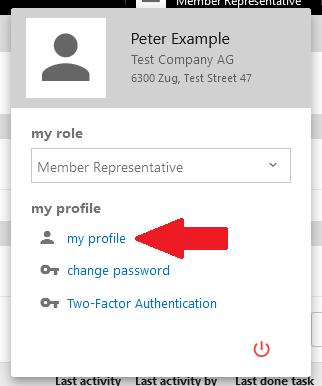
After logging into myDLMS, your name and current role are displayed in the top right-hand corner of the screen.

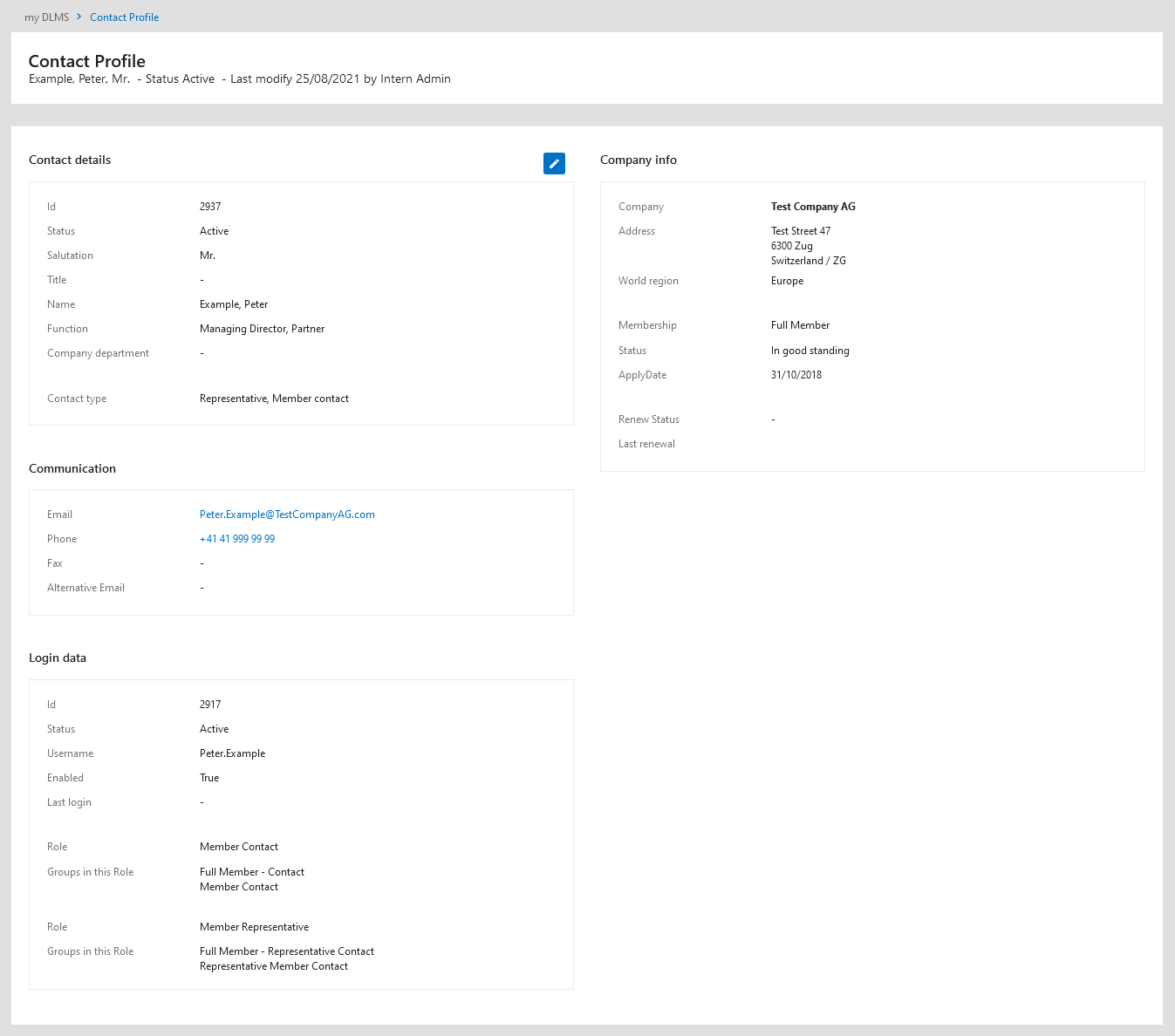
To view all your details, click the "My Profile" link.
Updating Your Contact Data
If your contact information is incorrect, please contact your representative, who can initiate the modification process. You must be logged in to make or request changes.
Editing Your Profile
Not all fields in your profile can be edited directly. Here’s how the process works:
Contact Details
- This section displays your name, function, and contact status.
Contact Types
- This section shows the roles you hold within your company in myDLMS.
Editing Process
- Editable fields are identified by a pencil symbol in the upper right-hand corner of the section.
- If editing is allowed, a blue button with a pencil symbol will appear.
- Clicking the button allows you to update the information